Location Scout Software
Built for the scouting workflow: organize photos, video, notes, and maps by location, then share a single polished link with clients, directors, and production teams.
Why location scouts need purpose-built software
Location scouting produces a lot of mixed content: dozens of photos per location, video walkthroughs, address details, owner contacts, parking notes, sun direction, lens references, and reminders. General-purpose storage tools (Dropbox, Google Drive) hold the files, but they don't tell the story. Slides and PDFs tell a story, but they go stale the moment a new option comes in.
Purpose-built location scout software keeps the scout, the metadata, and the presentation in one place — so adding a new location, swapping a hero image, or revising a client share doesn't require rebuilding a deck.
What ScoutCloud gives you
- Location-shaped folders. Every folder is a location, with images, video, notes, addresses, and external links living alongside each other.
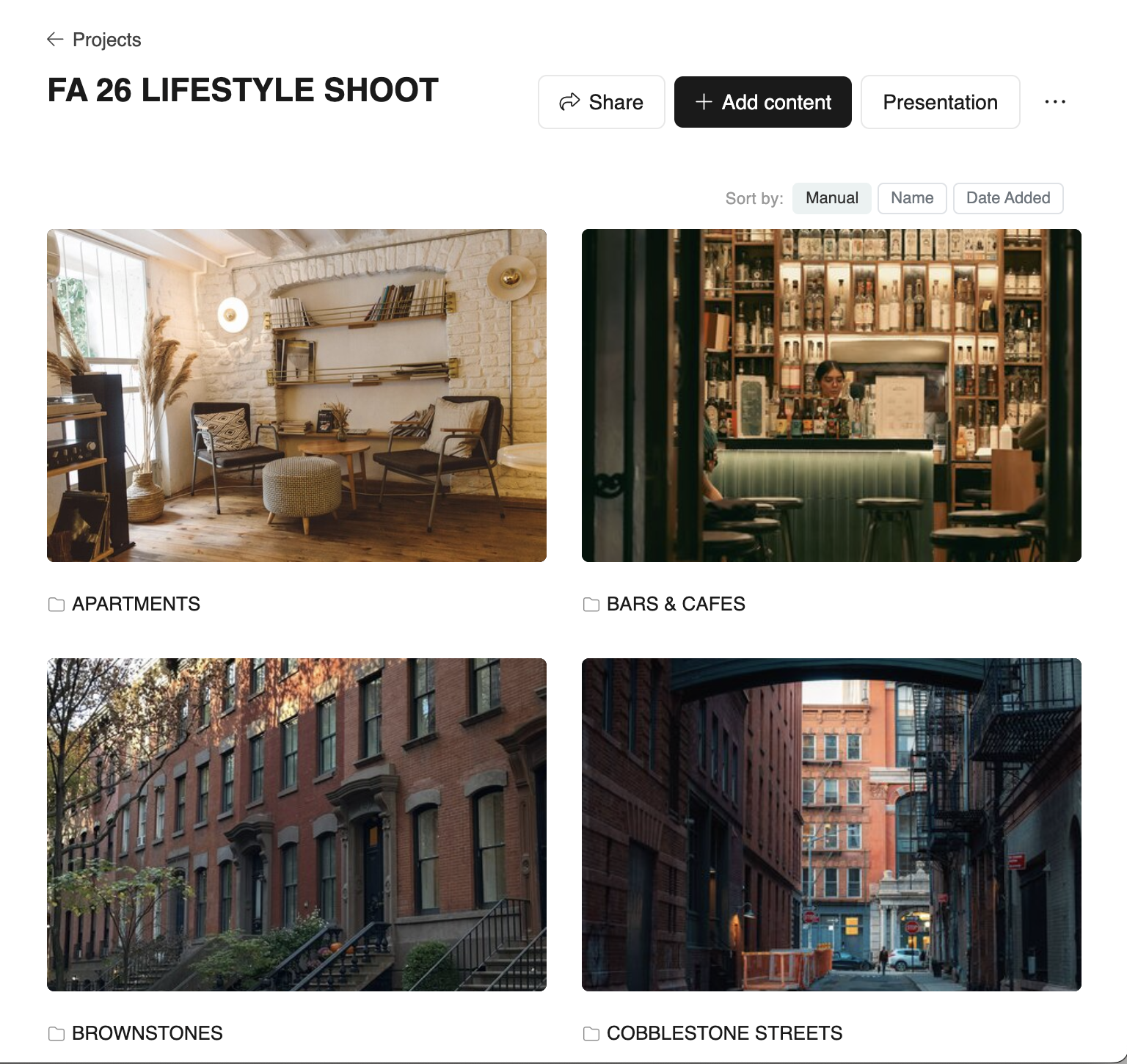
- Client-ready presentations. Projects render automatically as a polished, branded page — Simple, Descriptive, or Map.
- One share link. No client login, no Dropbox prompts, no fumbling with file permissions. Optional password protection per project.
- Pin the best. Surface a curated short-list at the top of a project; everything else stays available below.
- Comments & likes. Clients can react and comment directly on images and folders without an account.
- Guest uploads. Photographers and assistants can add scouts directly to a project, with attribution.
- Map view. Plot locations geographically when addresses matter for the production.
Who uses ScoutCloud
- Freelance and staff location scouts.
- Producers and production coordinators.
- Production designers and art departments.
- Commercial, fashion, and editorial photographers.
- Creative agencies presenting locations to clients.
How a typical project looks
- Scout the locations and shoot reference photos / video.
- Upload the folders to ScoutCloud — each becomes a location with notes and address.
- Build a project, pin the best options at the top, and pick a template (Simple, Descriptive, or Map).
- Send a single link to the client. They click through, like, and comment.
- Revise as needed — new locations and edits show up instantly without a new email.
Try ScoutCloud free
Start on the free plan and upgrade when your library grows.
No credit card No client login required