ScoutCloud vs Dropbox
Most scouts start with Dropbox because everyone already has it. It works — until it doesn't. Here's an honest look at where each one shines, and what changes when the unit of work is a location instead of a file.
Where Dropbox is genuinely good
- Storing the raw archive of every photo and video you've ever shot.
- Long-term backup and large file transfer.
- Sharing a folder when the recipient just needs the files.
For pure storage and transfer, Dropbox is hard to beat. That's not what this comparison is about. This is about the moment a scout needs to present locations to a director, producer, or client.
Where Dropbox starts to creak for location scouts
1. A folder is not a presentation
Two hundred images dumped in a folder force the client to download, scroll, and infer the story themselves. There's no narrative, no hierarchy, no "this is the hero option, these are alternates."
2. The unit of work is a file, not a location
A location is more than a folder of photos. It has an address, notes, parking info, owner contact, video walkthroughs, reference links, pinned options. In Dropbox, all of that is scattered across files, subfolders, and a separate document somewhere.
3. No first-class concept of feedback
Clients can comment on Dropbox files, but they have to sign in, find the comment thread, and the conversation lives next to a file rather than next to a location. Likes, votes, pins, and per-location comments aren't a natural fit.
4. Presentation feels ad hoc
To make a real pitch, scouts end up exporting from Dropbox, dragging into Keynote, and emailing a deck. Every revision means rebuilding the deck.
5. Branding and polish
A shared Dropbox link looks like a shared Dropbox link. There's a ceiling on how polished the deliverable can feel.
Side-by-side
| Need | Dropbox | ScoutCloud |
|---|---|---|
| Long-term storage of raw photos and video | Excellent | Not its focus — pair with Dropbox/Drive for archive |
| "A location" as a first-class object (photos + video + notes + address + links) | Manual — files, subfolders, separate doc | Built in |
| Sharing a polished, client-ready presentation | Folder view or exported deck | Single share link that renders automatically |
| Client feedback (likes, comments) without an account | Account required | No account needed |
| Pinning highlight options for a director or producer | Not supported | First-class feature |
| Revisions — adding or replacing a location | Rebuild the deck | Edit in place; the share link stays the same |
| Light brand polish on the deliverable | Generic Dropbox UI | Clean, branded presentation |
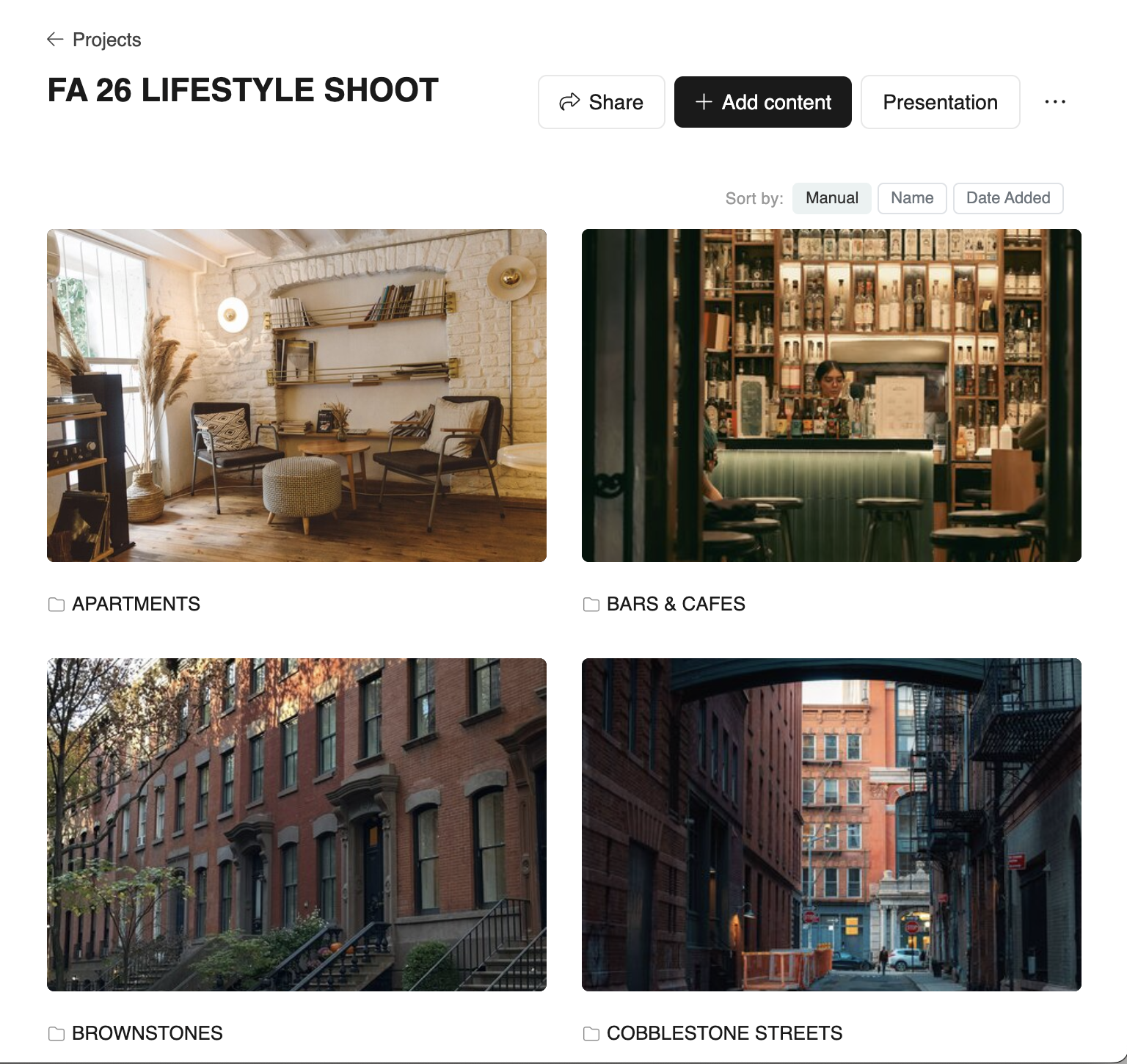
How most scouts end up using both
The honest answer for most working scouts: keep Dropbox or Google Drive as the long-term archive, and use ScoutCloud as the workspace where a shoot's locations become a presentation. The two aren't really competing — they sit at different layers of the workflow.
When ScoutCloud is the right choice
- You regularly present location options to directors, producers, or clients.
- You want one link instead of "a Dropbox folder plus a Keynote plus a Google Doc."
- You want clients to react (like, comment, pin) without an account.
- You revise scout decks often and don't want to rebuild slides each time.
When Dropbox alone is fine
- You're delivering raw files for someone else to package.
- You don't need a structured presentation — just a folder.
- The recipient only wants downloads, not a viewing experience.
Try the workflow most scouts switch to
Keep Dropbox for storage. Use ScoutCloud for the presentation. One share link, no slides to rebuild.
No credit card No client login required